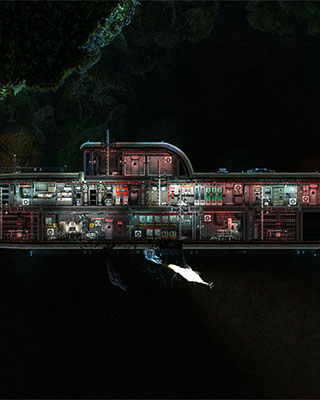

As an admin you can kick, ban and unban players using the in-game console.
Open the console
Press F3 or the tilde key (~) to open the command console.
Show connected players
Use the following command to list all connected players with their client IDs:
clientlist
Kick a player
kick [name]
Replace [name] with the name of the player. The player is removed from the server but can rejoin.
Ban a player
You can ban a player by name or by client ID:
| Command | Description |
|---|---|
ban [name] |
Bans a player by name |
banid [client id] |
Bans a player by client ID |
The player is permanently banned from the server.
Unban a player
To unban a player via the console:
unban [name]
Replace [name] with the name of the banned player.
Edit the ban list
You can also manage the ban list directly in the file banlist.txt.
-
Stop the server
Stop your server via the dashboard. -
Connect via SFTP
Connect to your server via SFTP. -
Open banlist.txt
Open the filebanlist.txtat:/config/banlist.txt -
Edit the entries
Delete the entry of a player to unban them, or add a new entry manually. -
Start the server
Start your server.
All commands
| Command | Description |
|---|---|
clientlist |
Show connected players with IDs |
kick [name] |
Kick a player |
ban [name] |
Ban a player by name |
banid [client id] |
Ban a player by client ID |
unban [name] |
Unban a player |