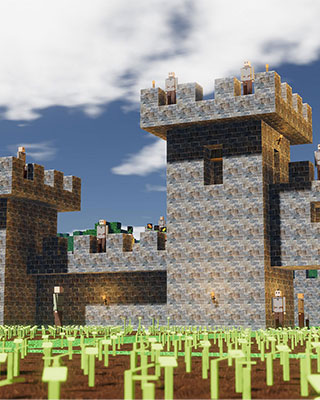

Mods in Colony Survival always consist of their own folder containing a modInfo.json file. On your server you upload those folders via SFTP and then enable the mods for your world.
Download the mod
Your server has no Workshop integration that downloads mods on its own. So you download the mod files on your PC and then transfer them via SFTP.
-
Subscribe to the mod in the Workshop
Subscribe to the mod you want in the Colony Survival Steam Workshop and start the game once so Steam downloads the files. -
Open the mod folder on your PC
The downloaded mods are stored in your Steam directory:...\Steam\steamapps\workshop\content\366090\Each subfolder represents one mod and is named after its Workshop ID.
-
Pick the right folder
You need the folder that contains themodInfo.jsonfile. If that file sits in a subfolder, this subfolder is the actual mod.
Upload the mod to the server
-
Stop the server
Stop your server via the dashboard. -
Connect via SFTP
Connect to your server via SFTP. -
Open the mod directory
Navigate to the following directory:/gamedata/mods/ -
Upload the mod
Upload every mod as its own subfolder. The structure afterwards has to look like this:/gamedata/mods/<ModName>/modInfo.json
Enable the mod for your world
Uploaded mods are not active yet. They are enabled per world in the file worldconfig.json.
-
Open the file
Open the following file via SFTP.<worldname>is the folder name of your world – it matches the World Name field in the dashboard:/gamedata/savegames/<worldname>/worldconfig.json -
Add the mod
Add one entry per mod to theModConfigEntriessection. The example shows two mods in the list – the entries are separated by a comma:{ "DisplayName": "My World", "WorldType": 2, "ModConfigEntries": [ { "ModName": "ExampleTexturePack", "ModVersionLastKnown": "---", "Enabled": true }, { "ModName": "AnotherModName", "ModVersionLastKnown": "---", "Enabled": true } ] }If you only use one mod, the second entry including its comma is omitted.
-
Start the server
Save the file and start your server. On startup it loads the enabled mods. -
Check the result
Look at the console in the dashboard to see whether the mods were loaded. Errors during loading almost always point to a wrong folder structure or an incompatible mod.