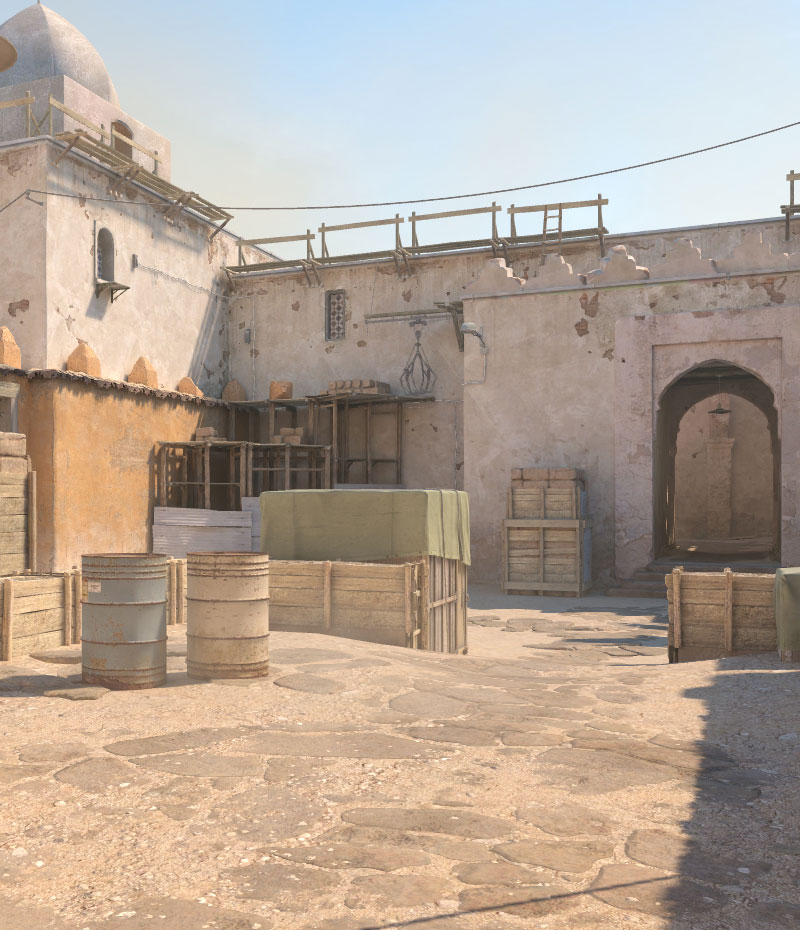

Change map via dashboard
-
Open dashboard
Open the dashboard of your server. -
Open settings
Navigate to the Settings. -
Select map
Select the desired map from the Map dropdown. -
Restart the server
Save the setting and restart your server.
Available maps
| Map | Type |
|---|---|
de_dust2 |
Defusal |
de_mirage |
Defusal |
de_inferno |
Defusal |
de_nuke |
Defusal |
de_overpass |
Defusal |
de_ancient |
Defusal |
de_vertigo |
Defusal |
de_anubis |
Defusal |
de_train |
Defusal |
cs_office |
Hostage |
cs_italy |
Hostage |
Change map via console
You can also change the map live via the server console in the dashboard:
changelevel de_dust2