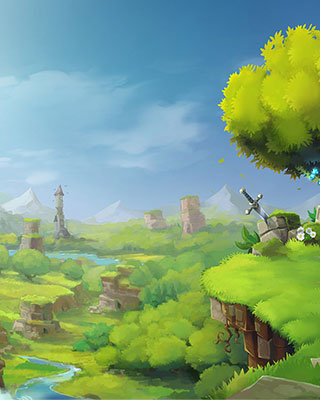

The world seed determines how the world is generated. Using the same seed will always produce the same world - identical landscapes, mountains, and structures at the same coordinates.
How to Show the Current Seed
Enter the following command in the console of your dashboard:
world config seed --world <worldname>
The console responds with something like Seed: 1790539101340. The world the server creates on its first start is called default.
How to Change the World Seed
-
Stop the Server
Stop your server via the dashboard. -
Open the World Configuration
Connect to your server via SFTP and navigate to the folder/universe/worlds/<worldname>/(for the default world/universe/worlds/default/). Open theconfig.jsonfile. -
Adjust the Seed
Find theSeedsetting and change the value:"Seed": 123456789You can use any whole number as a seed.
-
Delete World Data
Delete thechunksfolder in the same directory (/universe/worlds/<worldname>/chunks/) so the world is regenerated with the new seed. -
Start the Server
Start your server to regenerate the world.