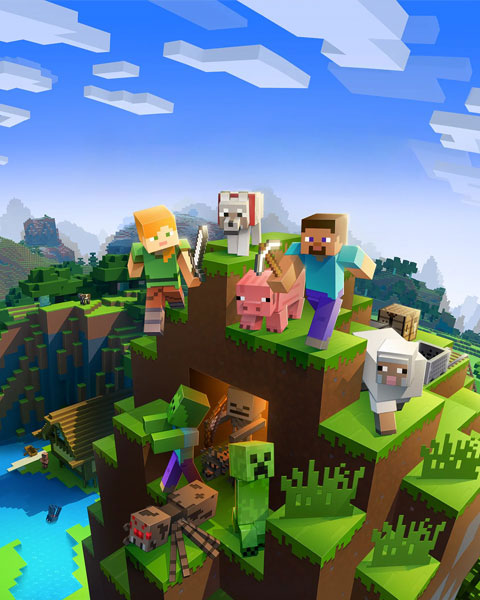

What is the view distance?
The view-distance determines how many chunks the server loads and sends to clients. A chunk in Minecraft is an area of 16x16 blocks. With a view distance of 10, the player can see 10 chunks in each direction (a 21x21 chunk square).
The view distance only affects the display of the world – how far the landscape is visible. It does not control the active ticking of mobs, redstone or players.
Effects on the server
- Higher values allow a larger world view.
- The more players are online at the same time, the greater the load on the server.
- Values that are too high can cause stuttering, connection problems or high RAM usage.
Change the view distance
-
Open server.properties
Connect to your server via SFTP and open the fileserver.properties. -
Find the entry
Look for the following entry:view-distance=16 -
Change the value
Change the value as desired (e.g.8or12). -
Restart the server
Save the changes and restart the server.
Client-side note
The server's view distance is the upper limit – the client cannot see further than the server sends. Players also need to set the render distance in their video settings high enough to actually see the full distance the server provides.