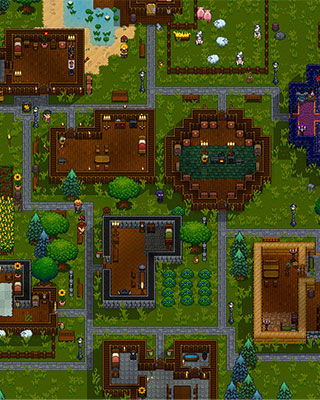

In Necesse, mods are individual .jar files. Your server loads them from a dedicated folder that you fill via SFTP.
Obtain the mod file
-
Choose a mod
Look for the mod you want in the Necesse Steam Workshop or on the mod author's page. -
Get the
.jarfile
You need the plain.jarfile of the mod. If the author does not offer a direct download, subscribe to the mod in the Steam Workshop and start Necesse once – the game then downloads the mod and places the.jarfile in your local mods folder:%appdata%\Necesse\mods -
Check the version
Make sure the mod matches the game version of your server. Mods built for a different version can prevent the server from starting.
Upload the mod
-
Stop the server
Stop your server via the dashboard. -
Connect via SFTP
Connect to your server via SFTP. -
Open the mods folder
Change into the following directory:/mods/ -
Upload the
.jarfile
Upload the.jarfile directly into this folder. Do not create subfolders – the server only reads files that sit directly in the folder. -
Start the server
Start your server via the dashboard. -
Check the console
On startup your server lists the detected mods in the console. If your mod appears there, it was loaded.
Remove mods
-
Stop the server
Stop your server via the dashboard. -
Delete the file
Delete the corresponding.jarfile from the/mods/folder. -
Start the server
Start your server again.