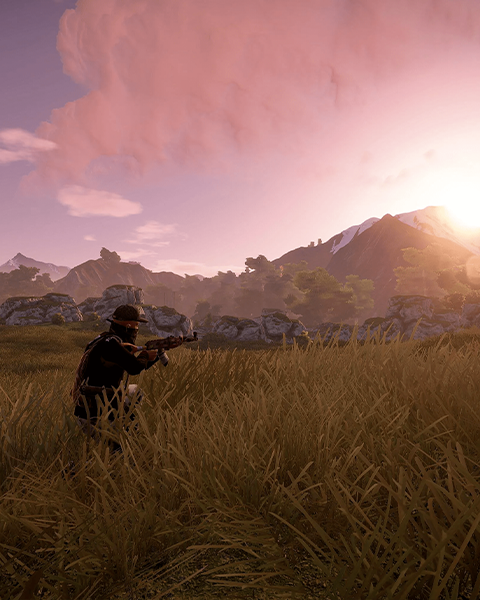

The server image is shown at the top of your server listing.
-
Open dashboard
Open the dashboard of your server. -
Open settings
Navigate to the Settings. -
Set server image
Enter the desired image URL in the Server Image field and save the setting. -
Restart the server
Restart your server for the change to take effect.