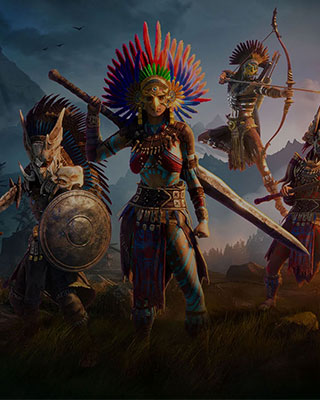

With the Shifting Sands DLC you can set up a server cluster that allows players to travel between the base map (Cloud Mist Forest) and the Shifting Sands map.
Requirements
- Two Soulmask servers with EmeraldHost
- The Shifting Sands DLC for all players
Configure main server (Cloud Mist Forest)
-
Open dashboard
Open the dashboard of your first server (base map). -
Open settings
Navigate to the Settings. -
Set Server ID
Enter the following in the [CROSS-MAP] SERVER ID field:-serverid=1 -
Set Broadcast Address
Enter the following in the [CROSS-MAP] BROADCAST ADDRESS field:-mainserverport=20000 -
Enable cross-server
Connect via SFTP and edit the file:/WS/Saved/GameplaySettings/GameXishu.jsonSet the value
KaiQiKuaFuto1. -
Start the server
Save the settings and start the main server.
Configure client server (Shifting Sands)
-
Open dashboard
Open the dashboard of your second server (Shifting Sands). -
Open settings
Navigate to the Settings. -
Set Server ID
Enter the following in the [CROSS-MAP] SERVER ID field:-serverid=2 -
Set Broadcast Address
Enter the following in the [CROSS-MAP] BROADCAST ADDRESS field:-clientserverconnect=IP:PortReplace
IP:Portwith the IP address of the main server and the Game Port + 4. -
Change map
Make sure the map is set to DLC_Level01_Main (Shifting Sands). -
Enable cross-server
Also edit theGameXishu.jsonon this server via SFTP and setKaiQiKuaFuto1. -
Start the server
Save the settings and start the client server.
Travel between maps
Players can use a portal terminal at the mysterious island in-game to switch between maps.