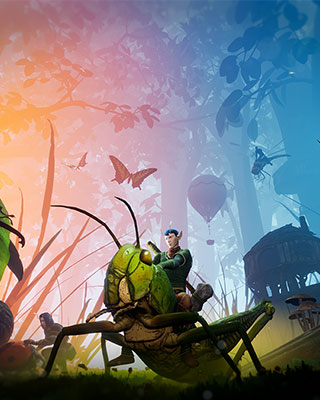

Smalland Survive the Wilds has no direct connection via IP address. You find your server exclusively through the in-game server browser by searching for the name of your server.
Search for the server and join
-
Start Smalland
Launch the game and wait for the main menu to load. -
Select Play
Click Play in the main menu. -
Choose a character
Select an existing character or create a new one. -
Open the server browser
On the following screen with the worlds, switch to Join at the top. -
Search for the server name
Enter the name of your server in the search field. -
Check the filters
Make sure the filters in the server browser match your server, for example Public or Crossplay. If a filter does not match, your server is not listed even though it is running. -
Join
Click your server in the list and confirm with Join – a double click on the entry works as well. -
Enter the password
If you set a server password, you are asked for it when joining. Enter it exactly as it is stored in the dashboard.