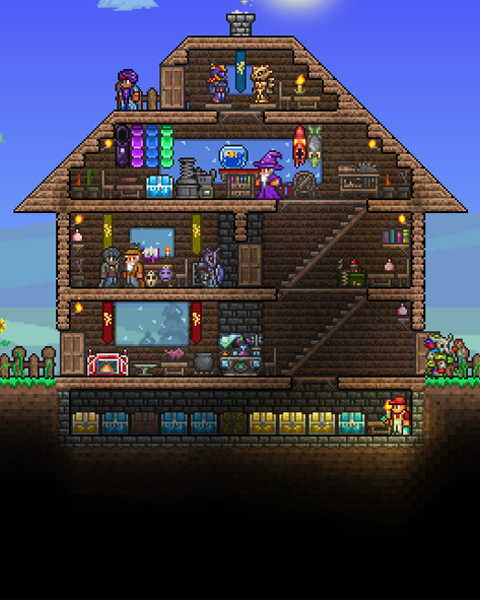

You can transfer an existing world to your server to continue playing there. tShock uses the regular Terraria world format – so a world consists of a single .wld file. You can use a single player world, the world of a regular Terraria server or the world of another tShock server.
Find the local savegame
-
Open the worlds folder
PressWindows Key + R, enter the following path and confirm with Enter:%userprofile%\Documents\My Games\Terraria\Worlds -
Select the world
Pick the desired.wldfile, e.g.MyWorld.wld. Do not use spaces in the file name, use underscores instead, e.g.My_World.wld.
Upload and apply the savegame
-
Stop the server
Stop your server via the dashboard. -
Connect via SFTP
Connect to your server via SFTP. -
Upload the world
Upload the.wldfile directly into the main directory of your server:/ -
Set the world name
Open the dashboard, navigate to the Settings and enter the file name of your world in the World Name field – without the.wldextension (e.g.My_WorldforMy_World.wld). -
Start the server
Save the settings and start your server. Your uploaded world is now loaded on startup.