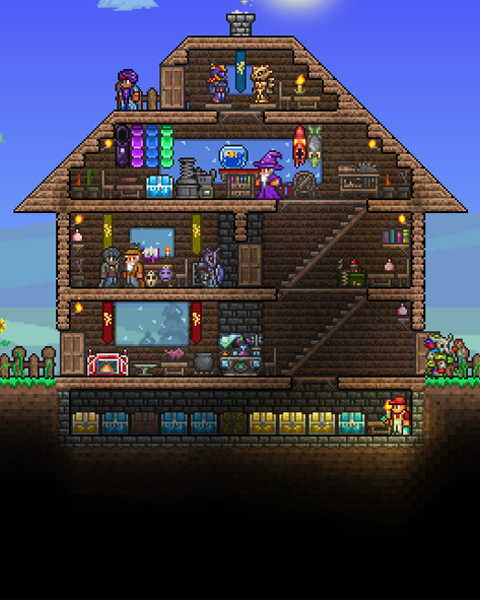

You can download your server's world to your PC at any time – for example as an additional backup, to archive it, or to move it to another server. tShock uses the regular Terraria world format: the entire world is contained in a single .wld file.
Download the world
-
Stop the server
Stop your server via the dashboard. -
Connect via SFTP
Connect to your server via SFTP. -
Open the main directory
The world file is located directly in the main directory of your server:/ -
Download the world
Download the.wldfile of your world to your PC. -
Start the server
Start your server again.
Other data that belongs to your savegame
| Path | Content |
|---|---|
/<World Name>.wld |
The world itself – terrain, buildings, chests, NPCs |
/tshock/tshock.sqlite |
Accounts, groups, bans and – with Server Side Characters enabled – the character data of your players |
/tshock/config.json |
The tShock server settings |
/tshock/backups/ |
The automatic world backups created by tShock |