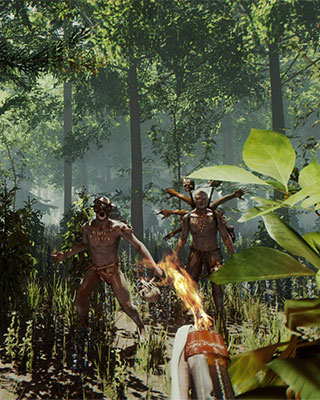

The Forest has no direct connection via IP address inside the game menu. You either find your server through the in-game server browser or add it to your Steam favorites. For the Steam entry you need the Query Port – not the Game Port.
Find connection details
Via the in-game server browser
-
Start The Forest
Launch the game and wait for the main menu to load. -
Open Multiplayer
Select Multiplayer in the main menu and then Join Game. -
Change the source
Set the source on the left to Dedicated (Internet). Your server is not listed under the other sources. -
Search for your server
Enter the name of your server in the search bar. -
Join the server
Select your server from the list:- Join starts with a new character.
- Continue loads the character you already saved on this server.
Via Steam favorites
If you want to join via the IP address specifically, add the server in Steam. This replaces the missing direct connection in the game.
-
Open Steam
Open the Steam client. -
Open the server browser
Click on View in the top left and select Servers or Game Servers. -
Add the server
Switch to the Favorites tab and click on Add a Server. -
Enter the server address
Enter the IP address and the Query Port of your server: -
Refresh the list
Click on Refresh so Steam queries the server. -
Join the server
Start The Forest, open Multiplayer → Join Game and set the source to Favorites. Your server appears there.
Password protected server
If a password is set for your server, a lock icon is shown in the server list. You are asked for the password every time you join.