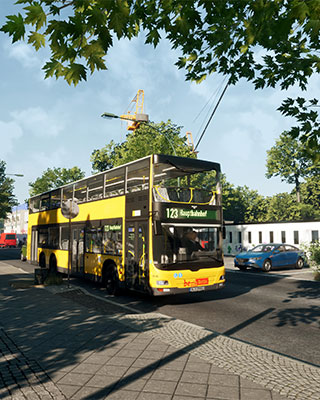

The default map of The Bus is Berlin. Additional maps are added as DLCs. Currently, Hamburg City (by Halycon) is the only released map DLC. It came out on July 31, 2025. More maps such as New York City, London South and Lübeck have been announced but are not released yet.
Since Update 1.2, Hamburg works properly on dedicated servers as well. This guide shows you how to switch your server from Berlin to Hamburg.
Requirements
- All players own the DLC: Every player who wants to play on the map must own the Hamburg City DLC on Steam. All players must own the same DLCs to use them together.
- Game and server are up to date: Keep your game and your server up to date. To do so, set the Auto Update field to
1under Settings in the dashboard, so your server updates automatically on every start. - Admin permissions: You need Owner or Admin permissions or your server's admin password, see Add Admin.
How to Switch the Map via the Admin Menu
-
Join the Server
Join your server in-game, see Join Server. -
Open the Admin Menu
Open the pause menu and select the Admin Menu. If you don't have the Admin rank, enter your server's admin password. -
Select the Map
Under Map, select the map Hamburg.
How to Switch the Map via Chat Command
Alternatively, you can switch the map via the in-game chat.
-
Show Available Maps
Enter the following command in the in-game chat to list all available maps:/mapListThe Hamburg map appears there as
Hamburg. -
Switch the Map
Enter the following command:/map Hamburg
Adjust Operating Plan and Fleet
After switching maps, choose a fitting operating plan and a fitting fleet for the new map:
Hamburg comes with its own lines: 6, 7, 17, 218 and 277, plus a variant as night line 617.
Activate the DLC on the Server
With the /dlc command, you activate or deactivate a DLC on your server. To learn how this works, see Activate DLC.
How to Switch Back to Berlin
Switching back to the default map works the same way: select the map Berlin under Map in the Admin Menu, or use /map with the name that /mapList prints for Berlin. Afterwards, choose a fitting operating plan and fleet again.
Problems When Switching Maps
| Problem | Solution |
|---|---|
| The map is not listed | Update your server (set the Auto Update field to 1 and restart the server) and your game. Keep server and game up to date. |
| Players can't join | If your server requires players to own the DLC to join, players without the DLC cannot join. Also check that server and game are up to date. All players must own the same DLCs to use them together. |