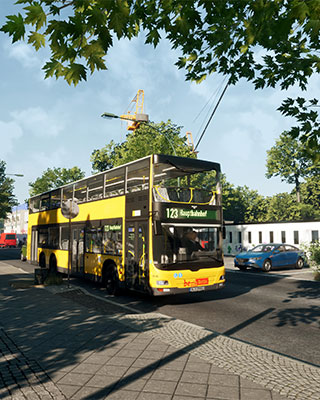

The fleet determines which buses are available on your server. You can change the active fleet via the admin menu or by command. To do this, you need Owner or Admin permissions, see Add Admin.
Change fleet via admin menu
-
Open admin menu
Open the pause menu in the game and select the Admin Menu. -
Select fleet
Under Fleet, choose the desired fleet from the available options.
Change fleet by command
Alternatively, you can change the fleet via the in-game chat. Which commands you can use depends on your rank, see Add Admin.
Enter the following command in the in-game chat:
/fleet <fleet>
Replace <fleet> with the desired fleet.
Use fleets from the Workshop
Your server can also load fleets from the Steam Workshop. To do this, upload them like other mods via SFTP to the /TheBus/Mods/ folder. You can find out exactly how this works under Add Mods.
Then restart your server. After the start, check in the admin menu whether the fleet appears in the selection.