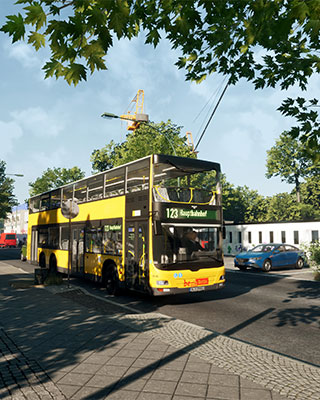

The Bus supports mods via the Steam Workshop. Mods are placed in the /TheBus/Mods/ folder on the server. Compatible mods are always activated automatically on the server – you don't need to enable them separately after uploading.
How to Install Mods
-
Download mod
Subscribe to the desired mods on the Steam Workshop for The Bus. Steam then downloads them to the following folder on your PC:SteamLibrary/steamapps/workshop/content/491540/ -
Stop the server
Stop your server via the dashboard. -
Connect via SFTP
Connect to your server via SFTP. -
Upload mod
Upload the folder of each mod to the/TheBus/Mods/folder. -
Start the server
Start your server again so the mods are loaded.
Operating Plans and Fleets from the Workshop
You can also upload operating plans and fleets from the Steam Workshop to the /TheBus/Mods/ folder, the same way as mods from the Workshop folder (see step 1). The server loads them from there, and you can then select them as usual. For more information, see Change Operating Plan and Change Fleet.
Mod Types
Pay attention to the mod type labels, as they determine where the mod needs to be installed:
| Type | Description |
|---|---|
| Client and Server | Must be installed on the server and by all players |
| Client only | Normally only required on the player's side – however, if the mod is installed on the server, all players must install it too |
| Server only | Only required on the server and is deactivated for players |
Mods After a Game Update
Mods built for a different minor version of the game (e.g. an older version than the current one) are marked as "potentially incompatible". After an update, check the Workshop for an updated version of the mod and upload it to your server.